Contents (11 sections)
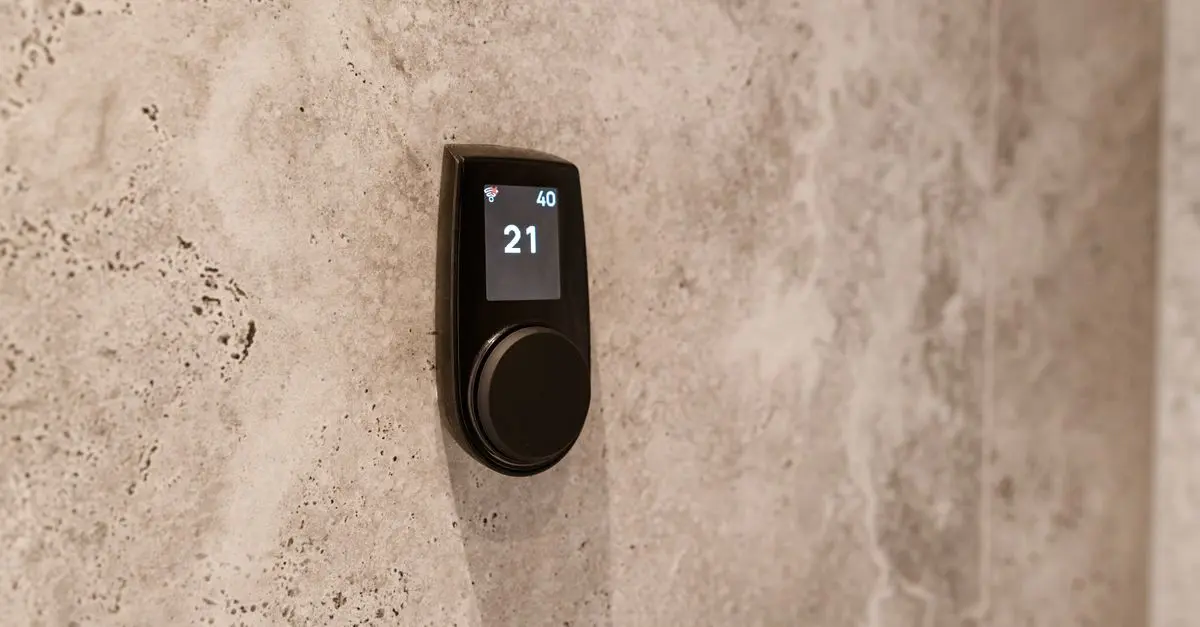
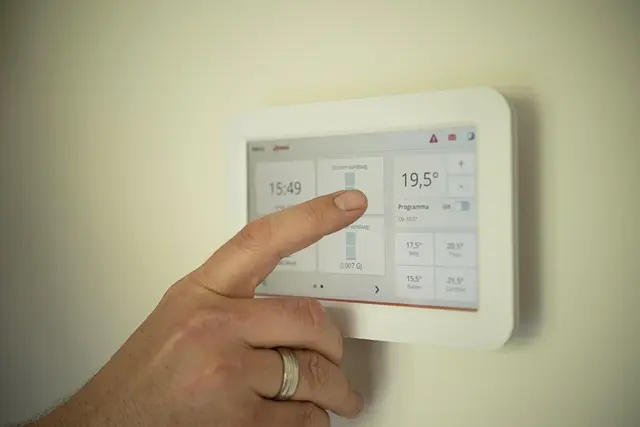
Choosing the right smart home hub can significantly enhance your smart home experience. Smart home hubs serve as the central control point for various devices within your home, enabling seamless communication and management. With many options available, selecting the best smart home hub tailored to your specific needs is essential. This guide will walk you through crucial considerations to help you make an informed decision.
1. Understanding Smart Home Hubs
A smart home hub is a device that connects and communicates with your smart home devices, centralising control and automation. Zigbee, Z-Wave, and Wi-Fi are popular protocols that many hubs support, allowing you to connect various brands and device types. According to a report by Statista, the smart home market was valued at approximately £81 billion in 2026 and is projected to continue growing, indicating an increasing interest in home automation technologies.
The importance of a smart home hub lies in its ability to connect devices that may not be interoperable out of the box. For instance, a hub can allow you to control Zigbee lights alongside Z-Wave door locks and Wi-Fi cameras, all from a single interface. This not only simplifies your home management but enhances security and energy efficiency as well. Users can also create routines or automation scenarios, such as having all lights turn off when the last person leaves home.
2. Identifying Key Features
When selecting the best smart home hub, consider several key features that can impact functionality:
- Compatibility: Ensure the hub works with the devices you already own or plan to buy.
- Voice Assistant Integration: Many users prefer hubs that integrate with popular voice assistants like Amazon Alexa or Google Assistant.
- User Interface: A user-friendly interface is crucial for ease of use. Look for hubs that offer intuitive mobile apps or web interfaces.
- Security Features: Given the increasing concerns regarding privacy and security, opt for hubs that offer robust security measures, such as encrypted data transmission.
Understanding these features will help ensure the chosen hub meets your current and future needs. For example, if you already have a collection of Zigbee devices, confirm that the hub supports this protocol. Additionally, consider if the hub allows for future expansions and integrations.


Swann SWNVK-800KH2-EU video surveillance kit Wireless 4 channels
Back to the Office

3. Comparing Hubs in the Market
When comparing smart home hubs, it's beneficial to examine several models side by side. Here’s a basic comparison:
| Feature | Hub A | Hub B | Hub C | Verdict |
|---|---|---|---|---|
| Compatibility | Zigbee, Z-Wave | Wi-Fi, Zigbee | Z-Wave, Wi-Fi | All have strengths |
| Max Devices | 50 | 100 | 50 | Hub B is best |
| Voice Control | Yes | Yes | No | A & B only |
| Security Protocols | AES, TLS | TLS | AES | A & C are stronger |
4. Cost Considerations
The cost of smart home hubs can vary widely, from basic models around £30 to high-end devices exceeding £200. It is essential to consider what functionalities justify the cost for you. For instance, a more expensive hub usually provides better connectivity options and security features.
According to IDC (2026), over 40% of consumers reported experiencing connectivity issues with lower-end devices. Investing in a reliable hub can save money in the long run by reducing the frequency of malfunctions or the need for replacements. Always assess your budget against the benefits offered by the smart hub to determine the best fit.
5. User Experience and Reviews
Before making a purchase, research user reviews and community feedback. Many potential users often share their experiences on platforms like Reddit or specialised forums. Consider factors such as ease of installation, reliability, and customer support offered by the manufacturer.
For instance, a commonly praised feature in customer reviews might be how straightforward it is to set up device automations or how responsive customer support is to issues. A good practice is to look for hubs that have maintained a solid reputation over time, as longevity can indicate reliability and ongoing support from manufacturers.
📺 Resources Vidéo
> 📺 Pour aller plus loin : Discover the best smart home hubs for 2026, a comprehensive analysis of current trends in smart home technology. Search on YouTube for: best smart home hub 2026.

ASUS VT229H computer monitor 54.6 cm (21.5") 1920 x 1080 pixels Full HD LED Touchscreen Black
Back to the Office

ASUS VT168HR computer monitor 39.6 cm (15.6") 1366 x 768 pixels WXGA LED Touchscreen Black
Back to the Office

ASUS Touch VT169HE computer monitor 39.6 cm (15.6") 1920 x 1080 pixels Full HD LED Touchscreen Tabletop Black
Back to the Office
6. Checklist Before Purchase
Here’s a quick checklist to help you ensure you’re making the right choice:
- [ ] Verify compatibility with existing devices
- [ ] Check for voice control capabilities
- [ ] Assess user reviews for real-life insights
- [ ] Compare prices and features from different manufacturers
- [ ] Review security protocols offered by the hub
Glossaire
| Term | Definition |
|---|---|
| Zigbee | A wireless standard for communication between devices. |
| Z-Wave | A wireless communication protocol designed for home automation. |
| Smart Home Hub | A central device that connects and manages multiple smart devices. |
Conclusion
Selecting the best smart home hub can significantly impact the overall smart home experience. By considering compatibility, features, security, and budget, you can find a hub that elegantly connects your devices and facilitates a smart home environment. As smart technology continues to evolve, investing in a capable hub ensures you remain at the forefront of home automation advancements.
Call To Action
Ready to elevate your home automation game? Explore our recommendations below and find the ideal smart home hub that perfectly fits your needs.
📺 Pour aller plus loin : best smart home hub 2026 sur YouTube
Recommended products
Selected by our experts

ASUS Vivobook Pro 15 M6500RE-HN054W AMD Ryzen™ 9 6900HX Laptop 39.6 cm (15.6") Full HD 16 GB LPDDR5-SDRAM 1 TB SSD NVIDIA GeForce RTX 3050 Ti Wi-Fi
Back to the Office

Hannspree HT161HNB computer monitor 39.6 cm (15.6") 1366 x 768 pixels HD LED Touchscreen Tabletop Black
Back to the Office


Samsung LS27C902PAU computer monitor 68.6 cm (27") 5120 x 2880 pixels 5K Ultra HD LED Silver
Quzo UK