Contents (13 sections)
In today's fast-paced world, home automation has become not just a luxury but a necessity for many. Automating your home can enhance comfort, security, and energy efficiency. Smart devices integrate seamlessly into daily life, allowing for control and monitoring at the click of a button or through voice commands. This guide will walk you through the essential steps to automate your home effectively using various smart devices.
Step 1: Assess Your Needs and Plan Your Automation
Before purchasing any smart devices, it’s crucial to assess your specific needs. This might involve determining which areas of your home require automation. Most households benefit from automating lighting, heating, security, and entertainment systems. Consider the following questions:
- What tasks in my home do I want to simplify?
- Which rooms do I want to focus on?
- What is my budget?
Once you've created a list, you can prioritise which aspects of your home will benefit most from automation. The average homeowner spends between £200 to £3,000, depending on their choices and the complexity of their needs.
Step 2: Choose a Smart Home Hub
A smart home hub acts as the central point to control all your devices. Choosing the right hub is essential as it will dictate the compatibility among your devices. Popular hubs include those that support Amazon Alexa, Google Assistant, or Apple HomeKit. Ensure that the hub you select can integrate with the devices you're interested in. For example, a hub that supports Zigbee and Z-Wave will give you more options when it comes to choosing devices.
Tips for Choosing a Hub:
- Check the compatibility list to ensure it works with your chosen devices.
- Look for user-friendly interfaces to simplify installation and operation.
- Review customer feedback for reliability and performance.

Nedis SmartLife Battery or USB Powered Automatic SmartLife Curtain Robot Opener Bluetooth Voice Control and Timer for Google Home and Alexa 4000 mAh -
Boxed2me

Nedis HD 1080P IP Camera Wireless WIFI Indoor CCTV HD Smart Home Security IR Camera
Boxed2me

Step 3: Start with Key Devices
When automating your home, it’s best to start with a few essential devices before expanding your setup. Here are some common categories to consider:
- Smart Lights: These can be controlled remotely and scheduled to turn on or off based on your routine.
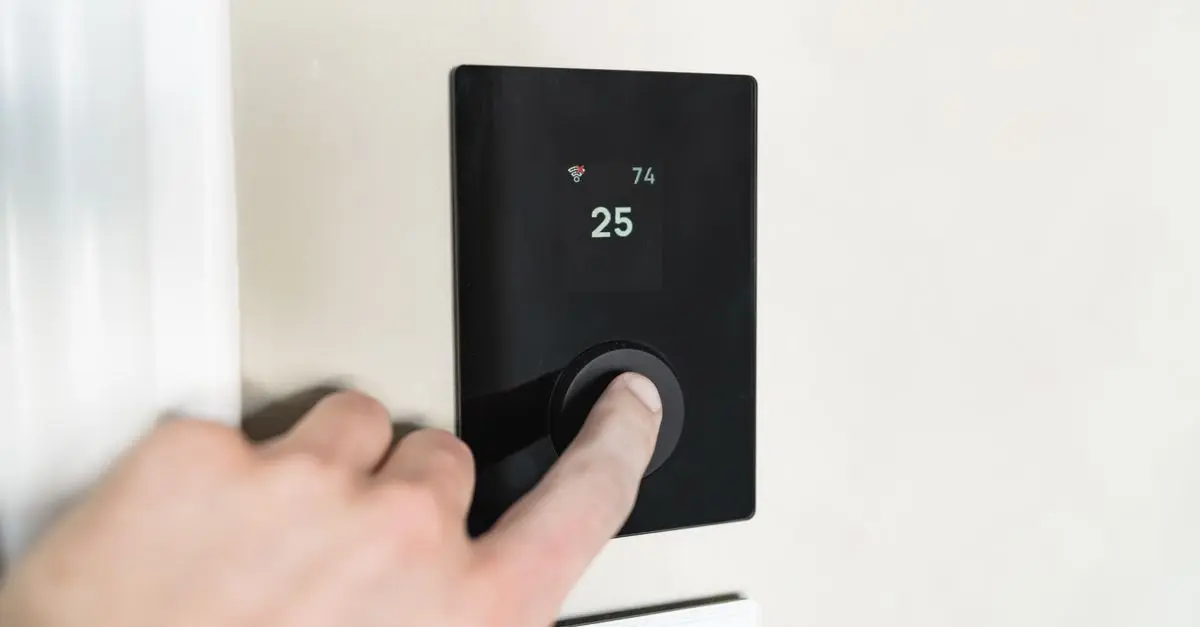
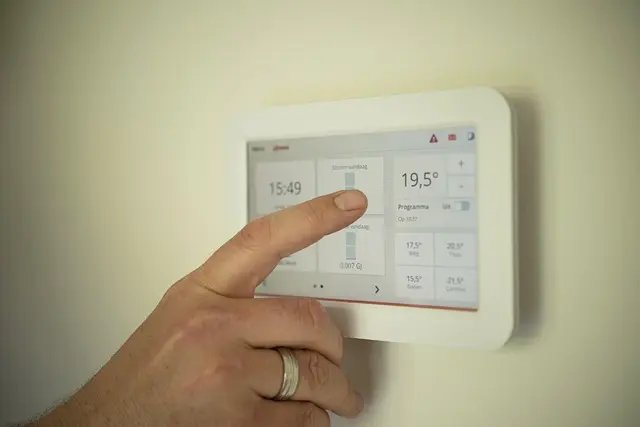
- Smart Thermostat: Adjusts your home temperature automatically based on settings you establish, which can lead to energy savings of up to 10-12% according to the U.S. Department of Energy.
- Smart Security Cameras: Enhance your home's security by monitoring live feeds from your smartphone or tablet.
By focusing on these categories, you’ll create a solid foundation upon which to build the rest of your smart home setup.
Step 4: Ensure Device Compatibility
When adding devices, check for compatibility with your chosen hub and other devices. For example, if you have Philips Hue lights, ensure they can communicate with your smart hub. Compatibility issues can lead to a frustrating user experience.
Common Protocols:
- Zigbee: Widely used and supported by many brands.
- Z-Wave: Offers better range within a smart home.
- Wi-Fi/Bluetooth: Easy to set up but can lead to network congestion.
Creating a well-connected home means that devices can work together harmoniously, enhancing the overall experience.
Step 5: Use Automation Features
Once your key devices are in place, take advantage of automation features such as routines and scenes. For instance, you can create a ‘Good Morning’ routine that adjusts the thermostat, turns on your kitchen lights, and begins brewing coffee at a set time each morning.
Furthermore, consider implementing sensors that will trigger devices based on movement, temperature, or even time of day. According to Gartner, by 2026, home automation systems will manage 30% more of home energy than in 2021, highlighting the importance of utilising automated routines for energy efficiency.
Step 6: Monitor and Adjust
After setting up your system, continuously monitor its performance and make adjustments to improve efficiency. Many smart devices offer metrics on usage, which can help you identify areas for improvement. For instance, if your smart thermostat frequently runs throughout the day, you may want to adjust your temperature settings or upgrade to a more efficient model. Collect feedback from all household members to ensure the system meets everyone’s needs.

olyee Pet Laundry Bag 70 * 80cm for Washing Machine Petwear Wash Bag, Keep Your Washin
onbuy.com

Fashionable And Minimalist Design With UV Resistant Sunglasses: High Quality Protective Features Make Your Vision Clearer
Voghion Global

Alphablocks Matchums: Match The Cards To The Letters Or Pictures On Your Board By Trends UK
books2door.com
Checklist before Purchase
- [ ] Assess your automation needs.
- [ ] Choose the right smart home hub.
- [ ] Start with key smart devices (lights, thermostat, security).
- [ ] Check device compatibility.
- [ ] Explore automation features and routines.
- [ ] Set up monitoring to adjust as needed.
Conclusion
Automating your home can significantly enhance comfort and efficiency. Begin with a clear plan, select compatible devices, and don’t hesitate to expand your options as your needs grow. With the right setup, you can enjoy the convenience of a fully automated home tailored to your lifestyle.
Glossary
| Terme | Définition |
|---|---|
| Smart Home Hub | Un appareil central qui gère la communication entre différents dispositifs intelligents. |
| IoT (Internet of Things) | Un réseau d'appareils connectés qui peuvent interagir et échanger des données via Internet. |
| Automatisation | L'utilisation de la technologie pour effectuer des tâches sans intervention humaine. |
> 🧠 Quiz rapide : Comment commence-t-on à automatiser son domicile ?
> - A) En achetant tous les appareils en même temps.
> - B) En planifiant les besoins spécifiques.
> - C) En évitant d'utiliser un hub.
> Réponse : B — La planification des besoins spécifiques est essentielle pour une intégration réussie.
📺 Pour aller plus loin : smart home automation setup guide 2026 sur YouTube
Recommended products
Selected by our experts

Artistic Design Sunscreen Sunglasses: Exquisite And Fashionable Items, Showcasing Your Fashion Style
Voghion Global

BullyBillows Luxury Dog Bed - Black Edition Add your dogs name ( Small: 70cm x 55cm x 15cm )
bullybillows.com

BullyBillows Luxury Dog Bed - Beige Edition Add your dogs name ( Small: 70cm x 55cm x 15cm )
bullybillows.com

Nedis Paper Shredder, Cross Cut, DIN P-4 Security, 12L Capacity, Keep Your Desk Organised and Securely Dispose of Letters, Files, Invoices and Bank
Boxed2me
Alphablocks Matchums: Match The Cards To The Letters Or Pictures On Your Board By Trends UK
books2door.com