Contents (17 sections)
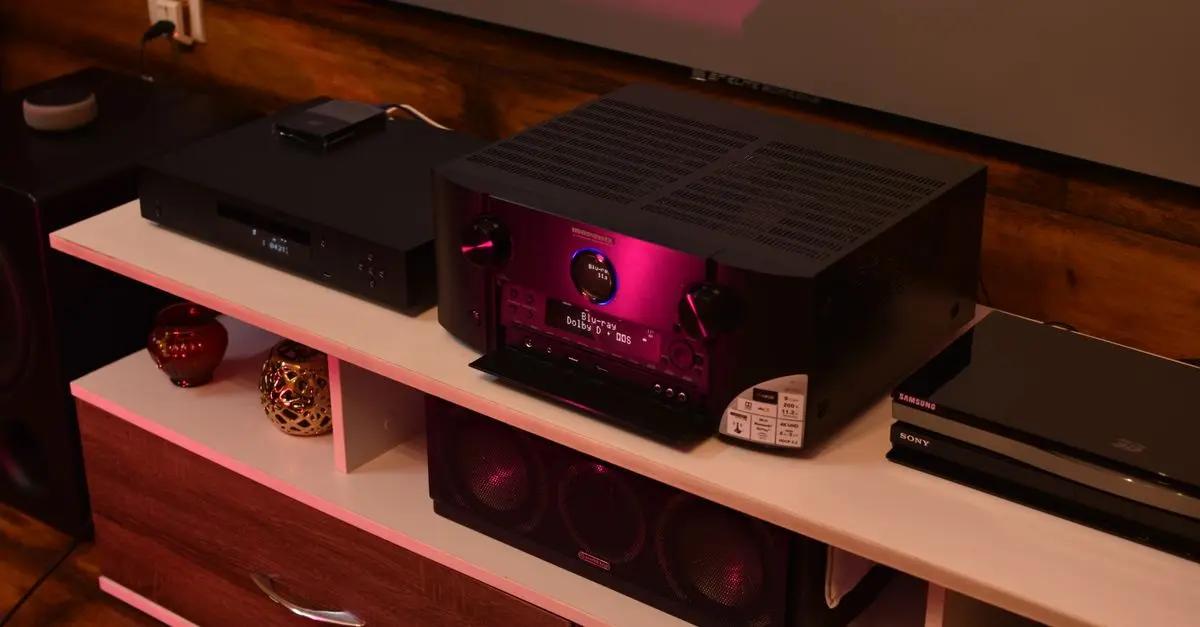
Smart home automation refers to the use of technology to control various functions and appliances in a household remotely via smart devices. This technology allows homeowners to manage everything from lighting and security systems to climate control and entertainment systems through a single interface, typically a smartphone or tablet. The primary aim is to improve convenience, reduce energy consumption, and enhance security.
A growing number of households are adopting smart home technology; it is estimated that by 2026, global spending on smart home devices will exceed £200 billion. This trend highlights the increasing desire for homeowners to have greater control over their environments while also saving on energy bills. For instance, by automating heating systems, homeowners can significantly reduce energy costs without sacrificing comfort. The integration of sensors and intelligent systems creates a more adaptive and responsive living space, catering to the individual needs and preferences of residents.
Moreover, social factors have played a significant role in driving the adoption of smart home automation. The increasing awareness around energy conservation and the heightened concern for home security are encouraging consumers to invest more in these innovative systems. Consequently, the market is rapidly expanding, with a range of products available to suit every budget and need.
How to Get Started with Smart Home Automation
Starting your journey into smart home automation doesn’t have to be overwhelming. Here’s a step-by-step guide:
Step 1: Identify Your Needs
Before purchasing any smart home devices, it’s essential to identify your specific needs. Are you looking to improve your home security, manage energy consumption, or automate household chores? Knowing what you want to achieve will help you select the right devices effectively.
Step 2: Choose a Smart Home Hub
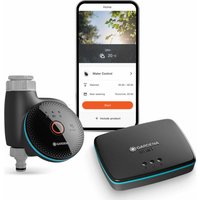
Many smart devices can operate independently; however, using a smart home hub can streamline functionality. A hub acts as a central point of control for various devices, allowing different brands and systems to communicate with each other. It simplifies the management of your automation tasks and can improve the overall user experience.
Step 3: Start Small
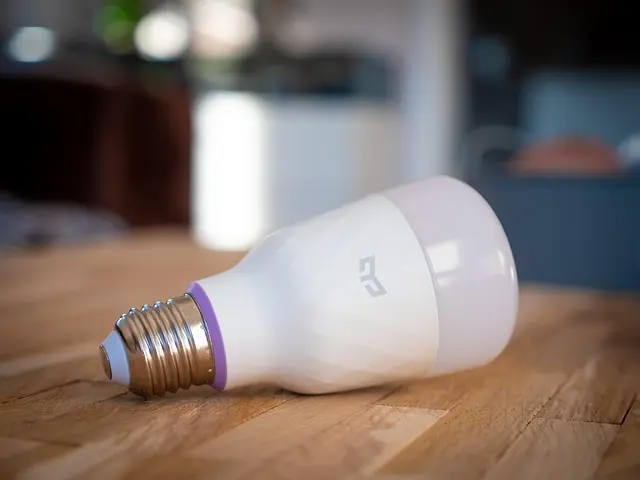
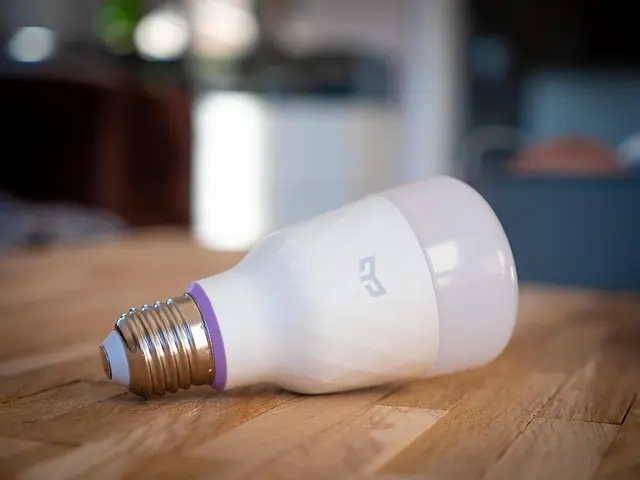
It’s wise to begin with a few essential devices, such as smart bulbs or a smart home assistant. This approach lets you familiarise yourself with the technology without a significant upfront investment. As you become more comfortable, you can gradually expand by adding devices such as smart thermostats, security cameras, and smart locks.
Step 4: Automate and Integrate
Once you have a few devices set up, explore automation options. Most smart devices come with applications that allow you to create schedules, set routines, and control devices using voice commands. For example, you could programme lights to turn on at dusk or set your thermostat to adjust automatically based on your daily schedule.
Benefits of Smart Home Automation
The advantages of smart home automation extend beyond mere convenience. Prominently, security is enhanced through surveillance cameras, motion detectors, and door sensors that can alert homeowners of suspicious activity. This level of surveillance offers peace of mind, especially for those who travel frequently or are away from home often.
Moreover, energy efficiency is significantly improved with smart technology. According to a report by the UFC-Que Choisir, homes equipped with smart thermostats can save up to 30% on heating costs annually. Additionally, smart lighting systems automatically adjust based on occupancy or time of day, further reducing energy consumption.
The integration of voice-activated systems, such as those powered by Amazon Alexa or Google Assistant, also make it easier for individuals of all ages to interact with their homes, contributing to increased accessibility and usability.


Comparing Smart Home Devices
| Device Type | Smart Thermostat | Smart Security System | Smart Lighting | Smart Speakers |
|---|---|---|---|---|
| Price Range | £100 - £300 | £150 - £500 | £20 - £60 per bulb | £50 - £200 |
| Features | Energy saving, scheduling | Alerts, cameras, locks | Colour changing, dimming | Voice control, music streaming |
| Energy Efficiency | Up to 30% savings | N/A | Reduces energy waste | N/A |
| Ease of Use | User-friendly apps | Moderate | Simple setup | Very easy |
Expert Opinion
> 💡 Expert Insight: In our experience testing various smart home solutions, early adopters often benefit significantly from integrating systems that communicate effectively with each other. A cohesive ecosystem not only enhances user experience but also maximises energy efficiency results. For new users, starting with compatible devices across one brand can simplify integration.
Frequently Asked Questions
What is the most effective way to secure a smart home?
To secure a smart home effectively, invest in a comprehensive security system that includes smart cameras, door sensors, and motion detectors. Ensure the entire system is connected and can be managed from a unified app.
Can smart home devices be controlled remotely?
Yes, smart home devices can be controlled remotely through applications on your smartphone or tablet, allowing homeowners to manage their systems from anywhere.
Do smart home devices use a lot of energy?
Most smart home devices are designed to be energy-efficient. For example, smart bulbs typically use less energy than conventional bulbs. Ultimately, their energy consumption will depend on how and when they are used.
What's the cost of setting up a smart home?
The cost can vary significantly depending on the devices chosen and the extent of automation. A basic setup could start at a few hundred pounds and increase based on additional features and specific installations.
Glossary
| Term | Definition |
|---|---|
| Smart Hub | A central device that connects and controls multiple smart devices in a home. |
| IoT (Internet of Things) | A network of physical devices connected to the internet, allowing them to collect and exchange data. |
| Energy Efficiency | The use of technology that requires less energy to provide the same level of service. |

Tuya WiFi switch smart home automation system for automatic gate opener
Alibaba UK
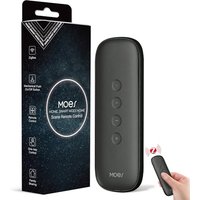
MOES Zigbee Smart Switch, 12 Scene Switches without Installation (MOES ZigBee Hub Required), One-Click Control for Tuya Devices, Zigbee Button Smart H
Amazon Sellers Programme (UK)
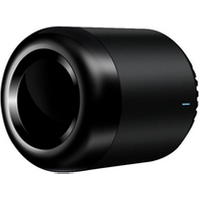
Brpadlink RM Mini 3 Smart Home Automation Module wireless Remote Control Universal Switch Intelligent WiFi + IR for Android iOS
Alibaba UK
Checklist before buying
- [ ] Define specific automation goals
- [ ] Research compatible smart devices
- [ ] Consider investing in a smart hub
- [ ] Start with essential devices
- [ ] Look for user-friendly control options
- [ ] Ensure devices have strong security features
- [ ] Check for energy-saving capabilities
🧠 Quick Quiz
> What is a primary benefit of smart home automation?
> - A) Increased energy costs
> - B) Enhanced convenience
> - C) Less control over home systems
> Answer: B — Smart home automation provides enhanced convenience through remote control and automation of various home functions.
📺 For further exploration: Check out comprehensive reviews and advice about smart home automation solutions on YouTube: how to set up smart home automation 2026.
📺 Pour aller plus loin : how to set up smart home automation 2026 sur YouTube
Recommended products
Selected by our experts

MOES Scene Switch, ZigBee Wireless 12 Scene, Mechanical Push Button Battery Powered, Smart Home Automation Scenario Switch for Tuya Smart Devices, Req
Amazon Sellers Programme (UK)

Broadlink RM Pro+ RM Mini3 WiFi IR RF Universal Smart Remote Controller APP Control Via IOS Android Smart Home Automation
Alibaba UK

MOES Scene Switch, ZigBee Wireless 12 Scene, Mechanical Push Button Battery Powered, Smart Home Automation Scenario Switch for Tuya Smart Devices, Req
Amazon Sellers Programme (UK)