Contents (14 sections)
As technology continues to evolve, integrating smart devices into our homes provides not only convenience but also enhanced energy efficiency and security. In this guide, we’ll explore how to integrate smart devices effectively into your home with a systematic, step-by-step approach. Our focus will be on making the process straightforward and hassle-free.
Table of Contents
- What Are Smart Devices and Why Should You Integrate Them?
- Preparation and Planning for Integration
- Step 1: Choose Your Smart Home Hub
- Step 2: Select Your Smart Devices Wisely
- Step 3: Install and Configure Your Devices
- Step 4: Create Routines and Automations
- Step 5: Monitor and Optimise Your System
- Checklist for Successful Integration
1. What Are Smart Devices and Why Should You Integrate Them?
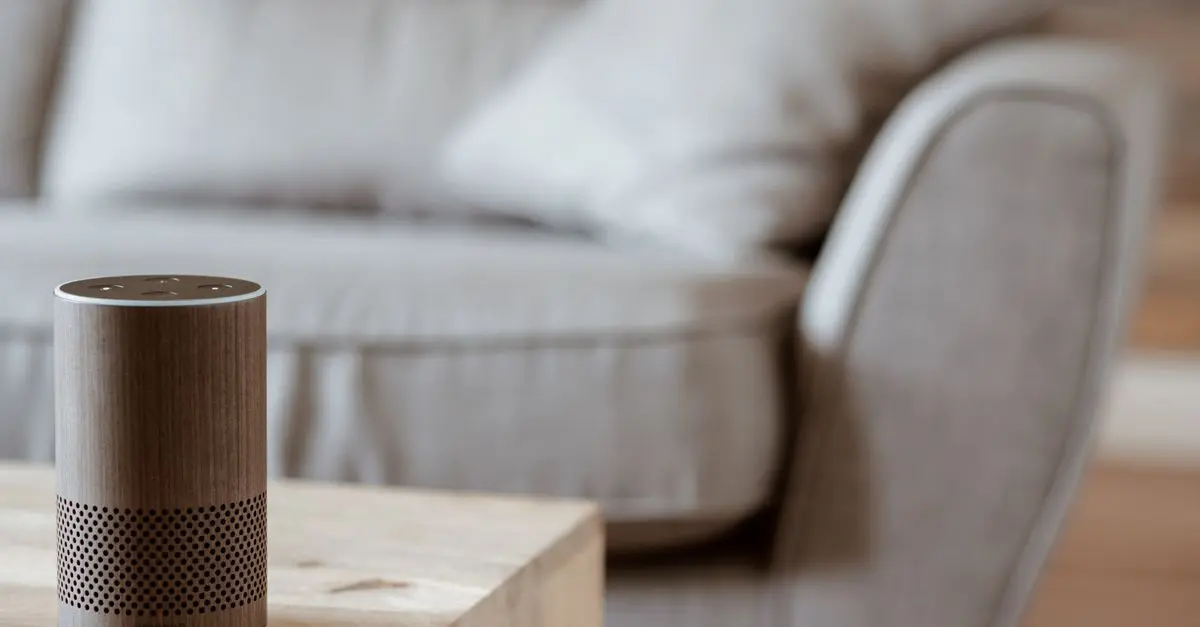
Smart devices refer to any device that can connect to the internet and interact with other devices or systems. This includes smart speakers, lights, thermostats, security cameras, and locks. Integrating these devices into your home provides numerous benefits:
- Convenience: Control multiple devices with voice commands or through an app.
- Energy Efficiency: Smart thermostats alone can help you save up to 30% on heating and cooling bills, according to UFC-Que Choisir.
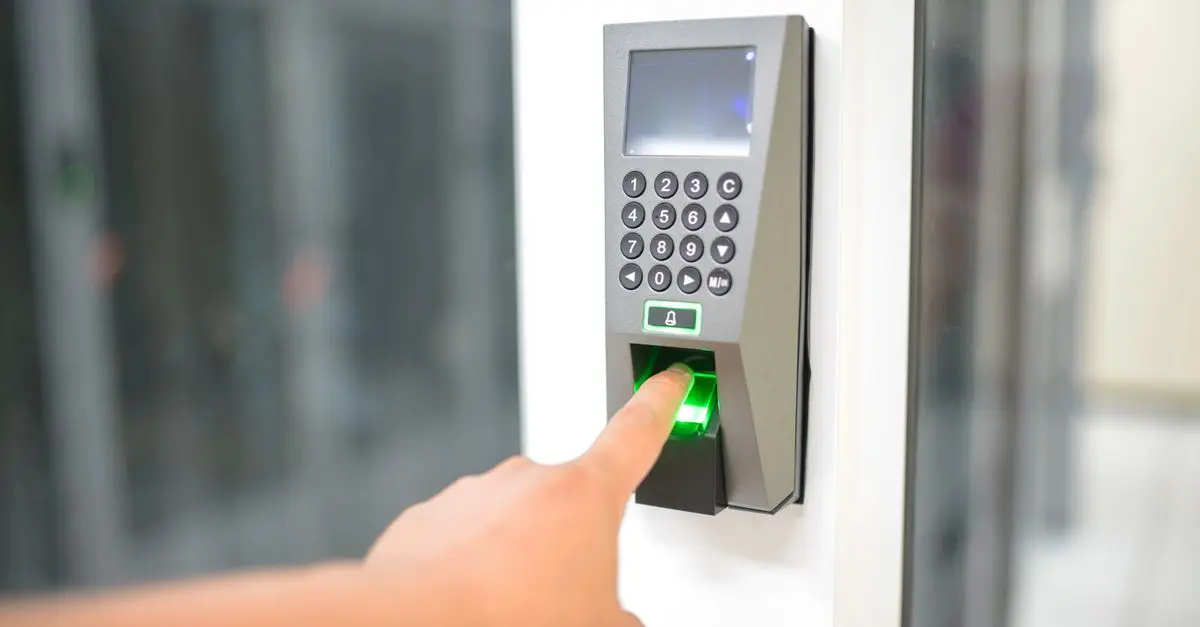
- Security: Smart cameras and doorbells enhance your home security by providing real-time alerts.
Integrating smart devices offers a more responsive home environment tailored to your lifestyle.
2. Preparation and Planning for Integration
Before diving into the integration process, preparation is key. Evaluate your current systems, your Wi-Fi capability, and the devices you wish to integrate. Consider the following:
- Network Requirements: Ensure you have a robust Wi-Fi network capable of handling multiple devices. Consider upgrading your router if necessary.
- Compatibility: Check if the devices you plan to purchase are compatible with each other and with your chosen smart home hub.
- Budget Planning: Set aside a budget for purchases. Investing in reliable smart devices often pays off in the long run.
Taking the time to plan meticulously can save you headaches later in the setup process.
3. Step 1: Choose Your Smart Home Hub
Choosing the right smart home hub is crucial, as it serves as the central point of control for all your devices. Popular options include platforms like Amazon Alexa, Google Assistant, and Apple HomeKit. To make the right choice:
- Assess Features: Look for features like voice control, compatibility with various devices, and user-friendly interfaces.
- Evaluate Ecosystem: If you already own devices from a specific brand, it may be best to choose a hub which integrates seamlessly with that brand.
- User Experience: Consider the ease of setup and usability; an intuitive hub will make your smart home journey enjoyable.
4. Step 2: Select Your Smart Devices Wisely
When selecting devices, think about the specific functionalities you want. Popular categories include:
- Smart Lighting: Control brightness and colour with smart bulbs. For instance, using smart bulbs can enhance your mood and productivity by adjusting the lighting to suit your activities.
- Smart Security Systems: Opt for smart doorbells, cameras, and locks to keep your home secure.
- Smart Thermostats: These devices learn your habits and adjust temperatures accordingly for comfort and savings.
Pro Tips: Start small with devices that significantly enhance your daily routines and functionalities.
5. Step 3: Install and Configure Your Devices
Installation can vary from device to device, but generally, it involves these steps:
- Follow Instructions: Every smart device comes with a manual; follow the instructions carefully.
- Connect to Wi-Fi: Ensure each device is connected to your home Wi-Fi network.
- Apps and Updates: Download the corresponding apps and perform necessary updates to ensure optimal performance.
Common Mistakes: Avoid skipping device updates; they often fix bugs and add functionalities.
6. Step 4: Create Routines and Automations
After installation, the real magic happens with routines and automations. Set up scenarios that trigger multiple devices:
- Morning Routine: Program your lights to gradually brighten to simulate a sunrise while your coffee brews automatically.
- Away Mode: Set devices to turn off or adjust when you leave home to save energy.
Expert Insight: Monitor your routines; sometimes, adjustments are necessary based on usage patterns.
7. Step 5: Monitor and Optimise Your System
Once your smart home is set up, keep an eye on its performance. Optimisation includes:
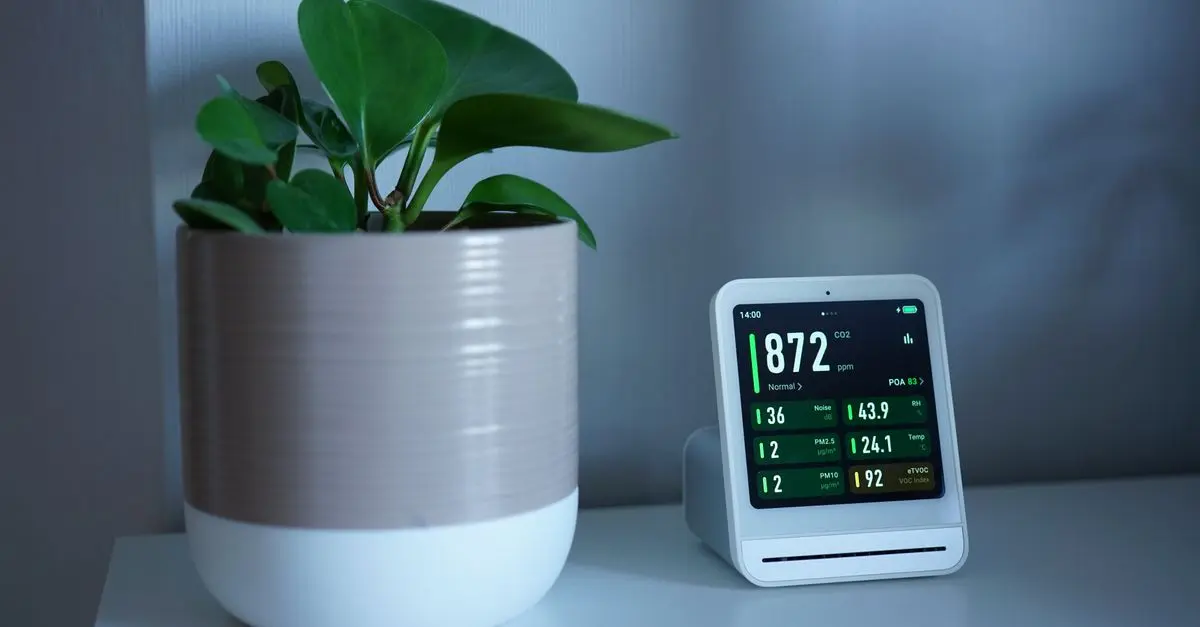
- Regular Checks: Periodically check device functionality and app performance.
- User Feedback: According to our experience, user feedback will guide you in making necessary adjustments.
- Energy Efficiency: Review your energy bills; ideally, you should see a reduction.
Adaptive management of your system will ensure continued satisfaction from your smart home.
8. Checklist for Successful Integration
- [ ] Confirm Wi-Fi is strong enough for smart devices.
- [ ] Ensure all devices are compatible with your chosen hub.
- [ ] List desired functionalities for each device.
- [ ] Gather all necessary tools for setup.
- [ ] Follow each device's manual during installation.
Glossaire
| Terme | Définition |
|---|---|
| Smart Hub | Un appareil central permettant de connecter et de contrôler plusieurs dispositifs intelligents. |
| IoT (Internet of Things) | Un réseau d'appareils connectés à internet pouvant échanger des données. |
| Automatisation | Configuration pour que des actions précises se produisent automatiquement selon des scénarios programmés. |
---
🧠 Quiz rapide : Quel est l'un des principaux avantages des dispositifs intelligents dans une maison ?
- A) Ils sont plus bon marché que les traditionnels.
- B) Ils augmentent la sécurité et l'efficacité énergétique.
- C) Ils consomment plus d'énergie.
Réponse : B — Les dispositifs intelligents contribuent à la sécurité et à des économies d'énergie significatives.
📺 Ressource Vidéo
> Pour aller plus loin : Guide pratique pour intégrer des dispositifs intelligents dans votre maison, une analyse complète de l'intégration technologique. Recherchez sur YouTube : "comment intégrer des dispositifs intelligents 2026".
Nous avons sélectionné plusieurs produits adaptés pour vous aider dans votre démarche d'intégration des dispositifs intelligents. Consultez nos recommandations ci-dessous.
- Q: What is a smart home hub?
A: A smart home hub is a centralised device that connects various smart devices and allows them to communicate effectively.
- Q: Can I integrate devices from different manufacturers?
A: Yes, but ensure they are compatible with the hub you are using.
- Q: How do I ensure my devices are secure?
A: Regular updates, strong passwords, and secure Wi-Fi configurations greatly enhance smart device security.
- Q: Is the installation process complicated?
A: It can be simple if you follow the manufacturer's instructions carefully, with many devices offering user-friendly apps for installation.
Time to integrate smart devices into your home and enjoy the future of living!
📺 Pour aller plus loin : Smart Home Guide 2026 - What to Buy, Platform Updates, and More! sur YouTube

Nedis Smartlife Zigbee Garage Door Switch, Compact Built-In Module for Remote Control and Voice Commands, Compatible with Amazon Alexa and Google Home
Boxed2me
Recommended products
Selected by our experts

TP-Link JetStream 10-Port Gigabit Smart Switch with 8-Port PoE+
Back to the Office

TP-Link Omada 8-Port 2.5GBASE-T and 2-Port 10GE SFP+ Smart Switch with 8-Port PoE+
Back to the Office

TP-Link Omada 5-Port Gigabit Smart Switch with 1-Port PoE++ In and 4-Port PoE+ Out
Back to the Office